SAML integration with Okta
N|Solid uses SAML single sign-on (SSO) through NodeSource Accounts. After your organization sets up SAML, your users sign in to NodeSource Accounts and the N|Solid Console with their identity provider credentials. This page points you to the setup guide and shows how users open NodeSource apps from Okta.
Set up SAML
SAML is configured in NodeSource Accounts (accounts.nodesource.com) by an organization administrator, and requires an enterprise subscription. For step-by-step instructions for Okta, PingOne, and OneLogin, see Configure SAML SSO.
That guide also explains how to require SAML authentication for everyone in your organization.
Open NodeSource apps from Okta
After SAML is set up, sign in to your Okta portal. The NodeSource apps appear in your My Apps view, and you can open them from there.
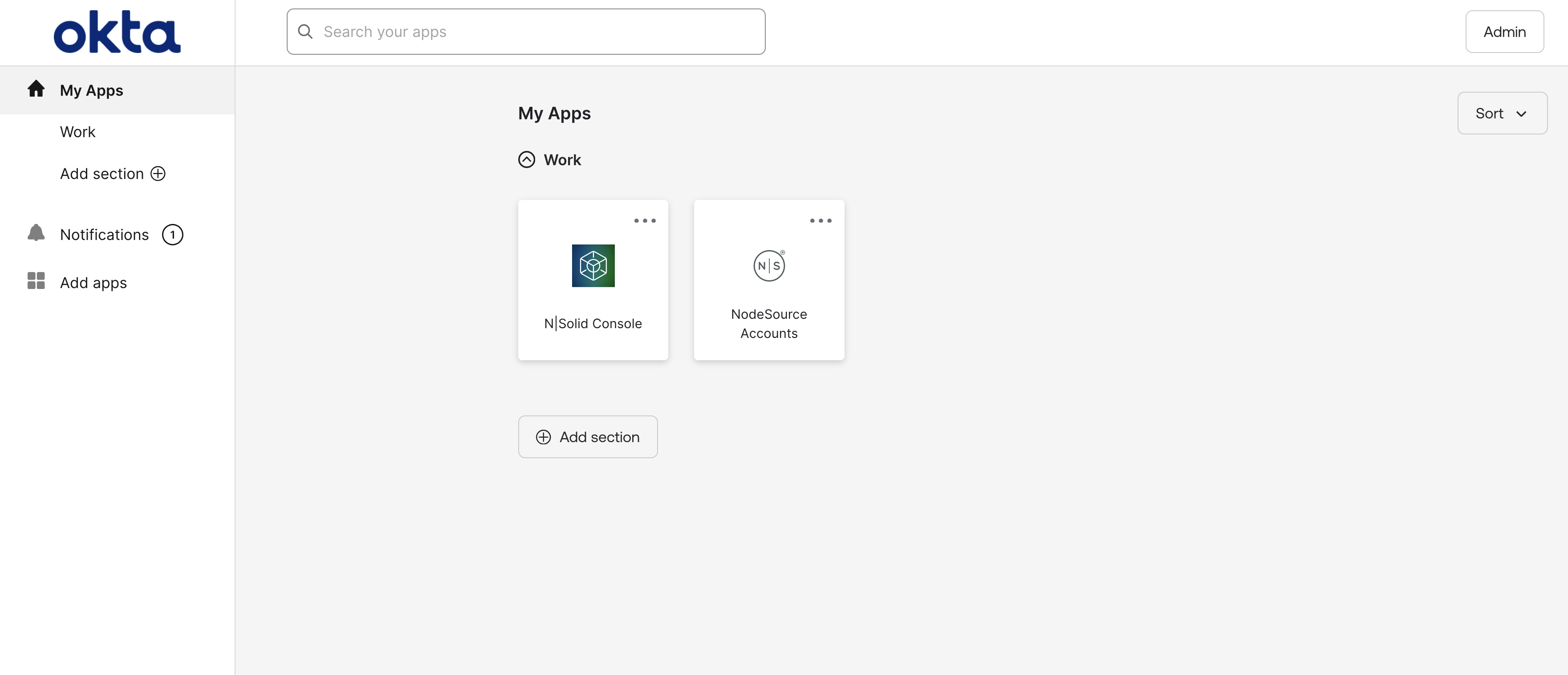
The first time you use SAML, sign in at accounts.nodesource.com to accept the NodeSource terms and conditions. After that, you can open the N|Solid Console directly with your SAML credentials.
