User profile
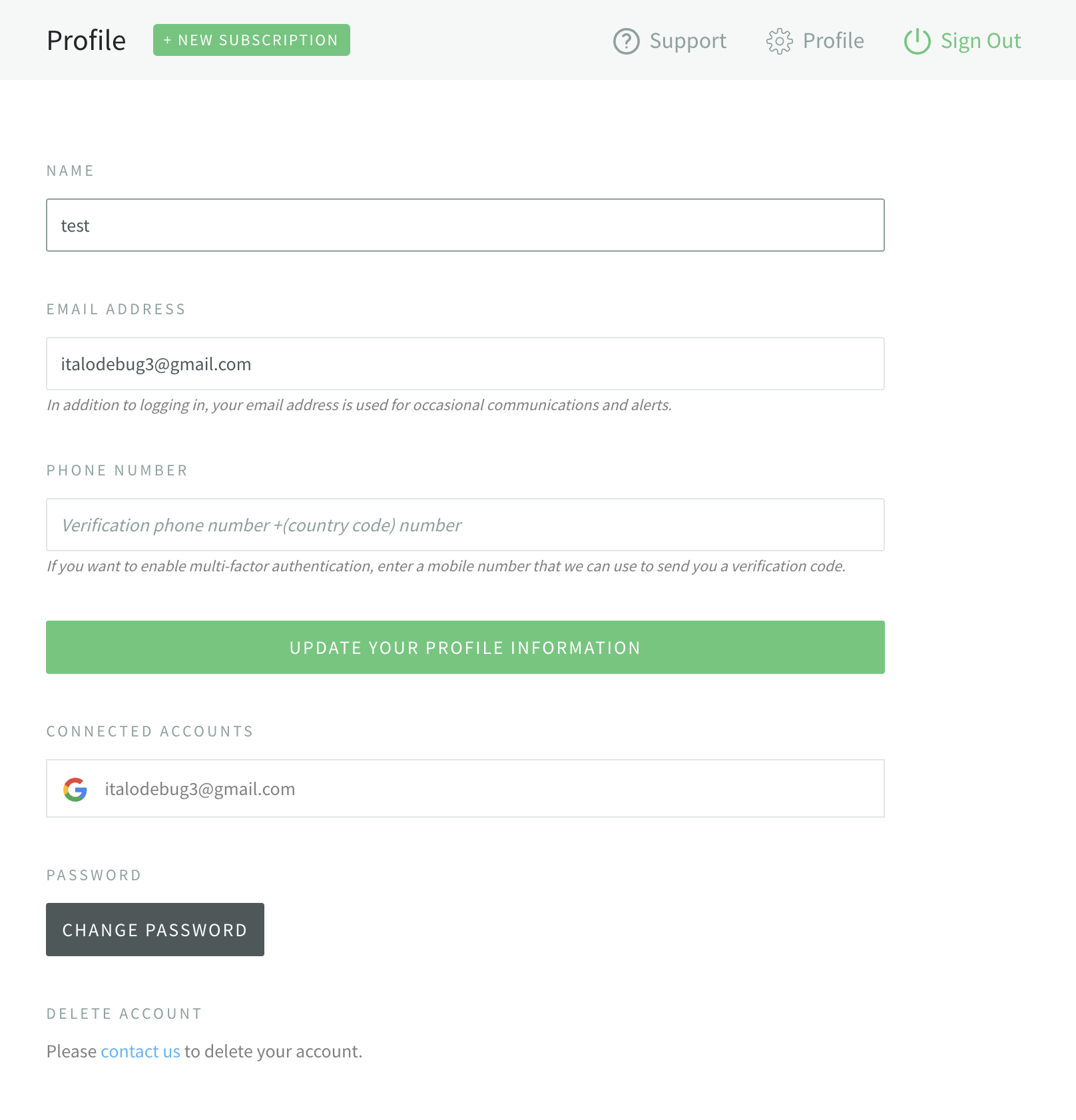
Your user profile in NodeSource Accounts holds your name, contact details, and sign-in settings. To open it, click the account menu in the top-right corner of the navigation bar and select Profile.
On the Profile page you can:
- Edit your Name.
- View your Email Address. The email address is read-only.
- Set a Phone number used to send you verification codes when you sign in.
- View your N|Solid License Key.
- Manage Connected Accounts, such as GitHub or Google.
- Click Change Password, if you sign in with an email address and password.
- Delete your account. To do this, click contact us under Delete Account and ask NodeSource support.