Sign in
After you sign up, sign in to your NodeSource account at accounts.nodesource.com with your email address and password, or with your GitHub or Google account.
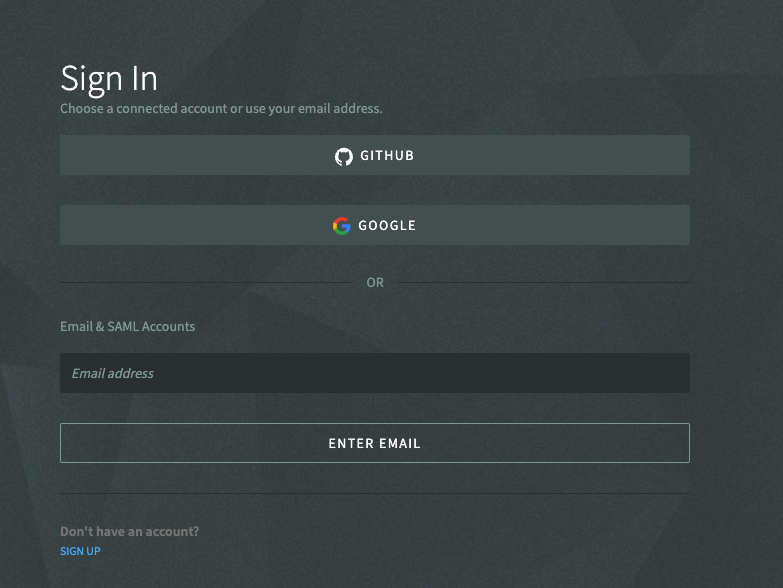
- SAML: if your organization uses SAML single sign-on, enter your work email. If the same email is used for both a standard account and a SAML account, choose SAML Account to continue to your identity provider. See Configure SAML SSO.
- Verification code: if a phone number is set on your profile, you may be asked to enter a verification code sent to that phone to complete sign-in.
- Forgot your password? See Reset password.
