Run modes
You can use the N|Solid Console in two ways: sign up for N|Solid SaaS and start sending data as soon as the N|Solid Runtime is installed, or purchase an Enterprise license and run a self-hosted N|Solid Console in your own data center.
N|Solid SaaS versus self-hosted N|Solid Console
With N|Solid SaaS, you sign up and start sending data from the N|Solid Runtime without installing any other software. It's the shortest path to trying N|Solid with your application, and it can grow with you.
For very large installations or strict data requirements, you can purchase an Enterprise license, and NodeSource provides the N|Solid Console software and guidance for operating it. Contact us for more information.
N|Solid SaaS
N|Solid SaaS is a hosted monitoring database and introspection console designed to make full use of the diagnostics and monitoring features of the N|Solid Runtime. After you install the N|Solid Runtime, configure it with your NSOLID_SAAS key from NodeSource Accounts.
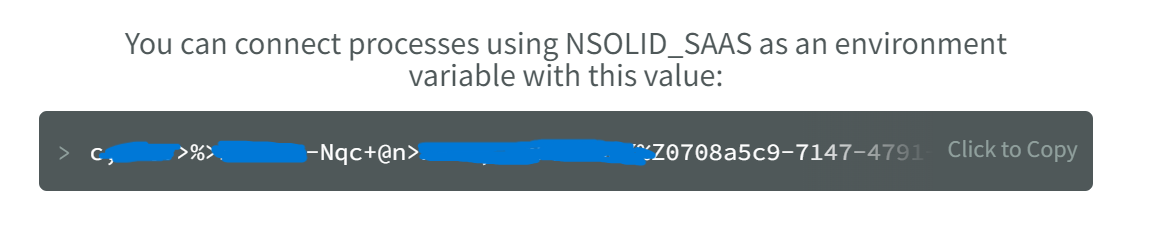
See N|Solid Runtime Configuration to get the most out of N|Solid SaaS.
SaaS network requirements and data sensitivity
Network requirements
To communicate with the N|Solid SaaS endpoint, the systems running the N|Solid Runtime must be able to make outgoing connections on port 443 (gRPC over TLS).
Data sensitivity
Data in transit is encrypted, and the metrics collected don't contain PII or other sensitive information. If you capture heap snapshots of processes that handle sensitive data, use the NSOLID_REDACT_SNAPSHOTS setting. It tells the runtime to blank out all string data in heap snapshots before sending them to the N|Solid Console. You can also turn on Redacted Snapshot per application or process in the Dashboard's Dynamic Configuration modal.
Self-hosted N|Solid Console
NodeSource can provide the software, instructions, and installation support for running your own N|Solid Console, so you can run everything on-premises.
This mode requires an ongoing support contract, which includes time with our team for setup and N|Solid training. Contact us for a quote for your self-hosted setup.
Connecting to a self-hosted N|Solid Console
To connect the runtime to an N|Solid Console running in your own network, set NSOLID_GRPC or NSOLID_COMMAND to the network address the Console listens on. By default, the Console listens for gRPC connections on port 50051 and for ZeroMQ command connections on port 9001.
See N|Solid Runtime Configuration to get the most out of N|Solid.
For self-hosted tracing options, see External tracing mode.
